
Taskid
taskid.app
Tasks, projects and notes. In the app and in the browser. Synced automatically - and pluggable into AI assistants via MCP.
Why Taskid
A simple tool that does not get lost in features
Simple, no compromises
Clear interface from the first launch. No learning curve - just work.
Focus on what matters
See only what is important today. The rest does not distract.
Everything in one place
Tasks, projects, notes and ideas - in a single space.
Quick access
Widgets, Siri, shortcuts. Capturing a task takes seconds.
First things first
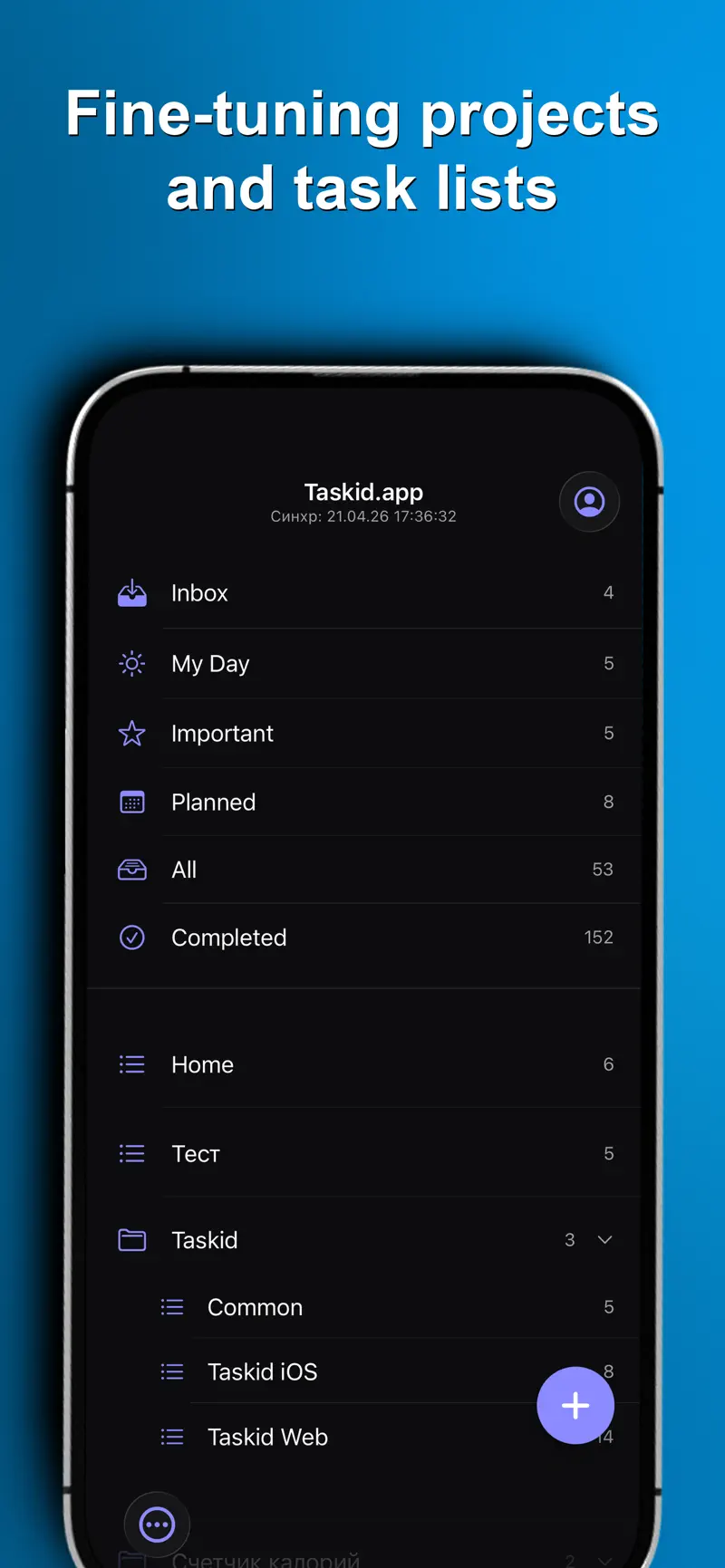
System views that keep you on track
Inbox
Quick ideas and thoughts - sort them later
My Day
What you are working on today
Important
Key priorities you can not miss
Planned
Tasks with due dates - days ahead at a glance
All
Every active task in one place
Done
History of completed tasks
Projects and lists
At the root - projects and standalone lists. Inside a project - lists. Simple, with no extra nesting.
- ✓ Run work, study and personal life in parallel
- ✓ Group related lists into projects
- ✓ Standalone lists at the root, no project required
- ✓ Share access to any list
Tasks and subtasks
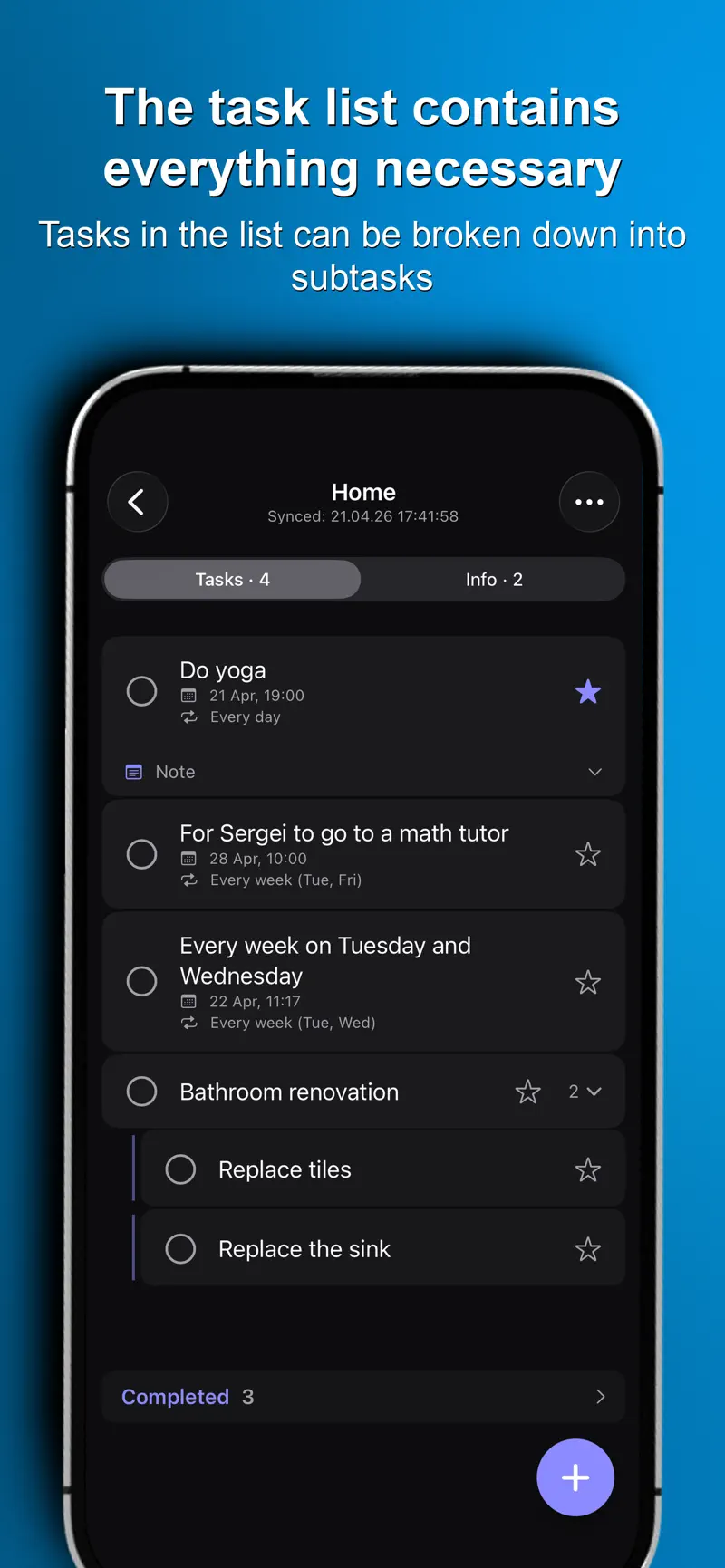
Break any task into clear steps with one level of subtasks
Subtasks
One level - so things stay clear
Recurring
Daily, weekdays, weekly - whatever fits
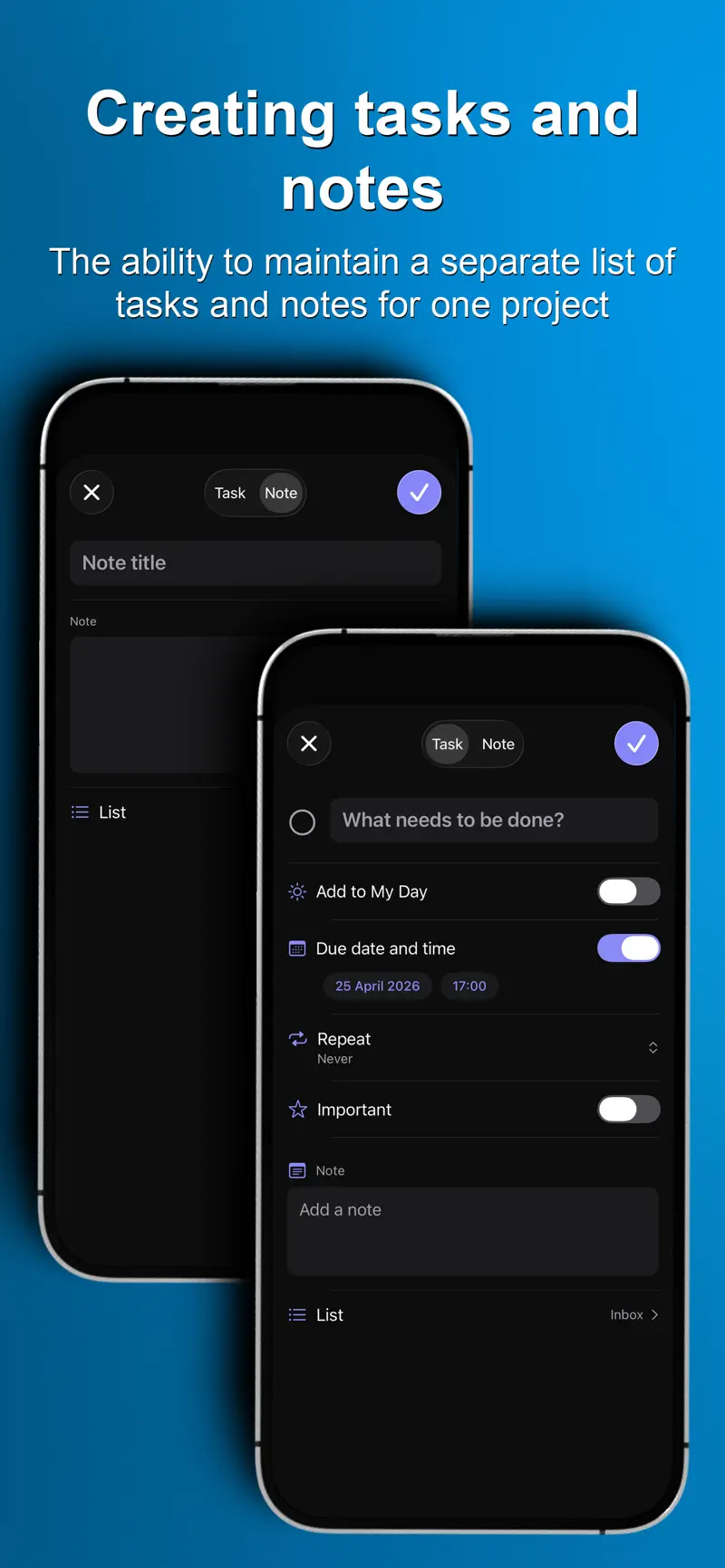
Due dates
Exact date and time. Visible in the calendar
Reminders
Notifications at the right moment
Task notes
Context and details at hand
Priorities
Important things stay on top
- Spaghetti - 400 g
- Guanciale - 150 g
- Egg yolks - 4
- Pecorino Romano - 80 g
- Black pepper
- Bring water to a boil
- Render guanciale until crisp
- Toss with pasta and yolks
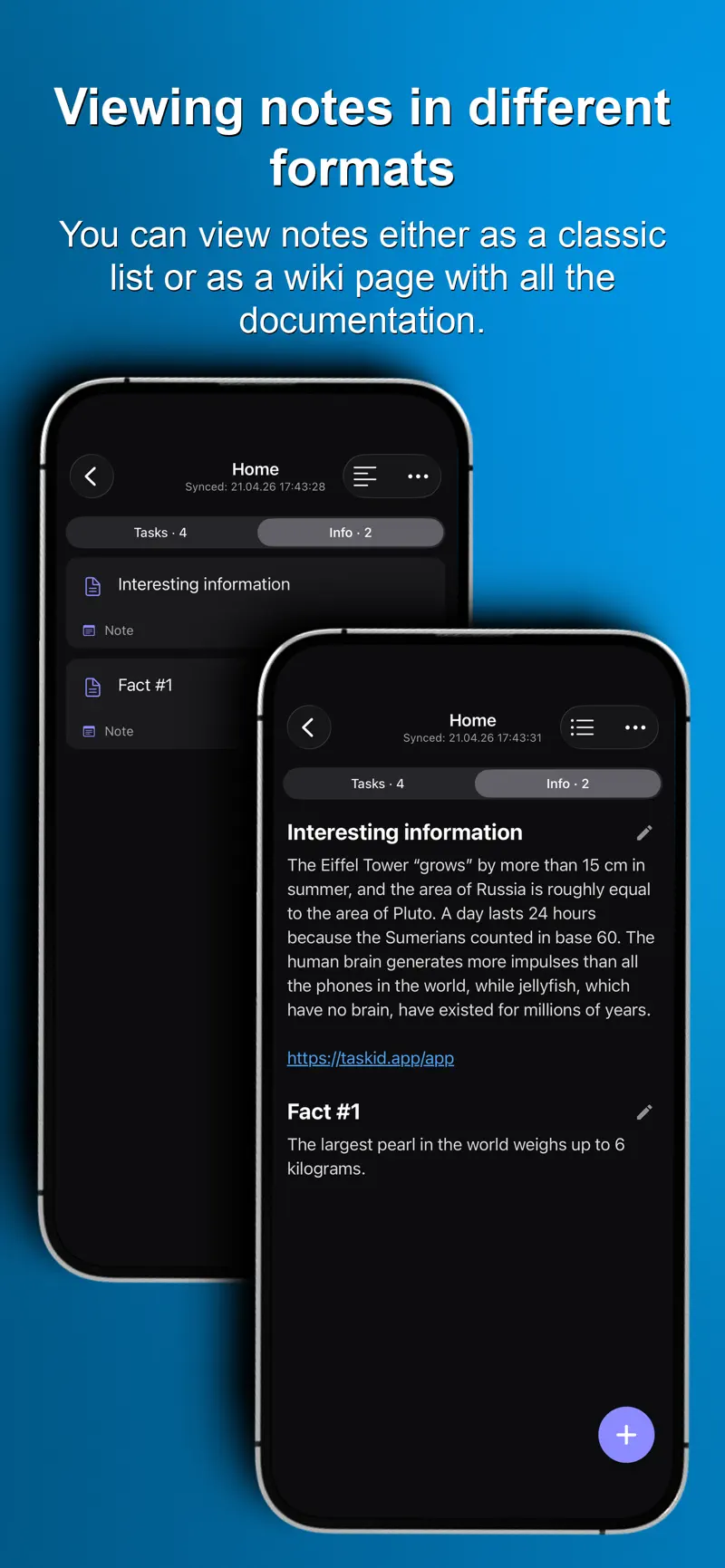
Notes and knowledge base
Lists can hold more than tasks. Keep recipes, guides and ideas in reading mode.
Voice and quick actions
Add tasks in seconds - even when your hands are busy
Siri
"Add a task to call mom"
Widgets
Today on your home screen
Quick actions
From any app via Share Sheet
Shortcuts
Keyboard control on Mac and the web
Start on your phone, continue in the browser
Taskid syncs automatically. Open your tasks on any device and pick up right where you left off.
Works everywhere
One account - all your devices
API and MCP, out of the box
Manage tasks programmatically or connect Taskid to Claude and ChatGPT via the MCP protocol.
REST API
Full access to groups, lists, tasks and notes via a simple HTTP API with a token.
GET https://taskid.app/v1/api/lists
Authorization: Bearer YOUR_TOKEN
API docs →
MCP connector
Plug Taskid into Claude, ChatGPT and other AI assistants via the Model Context Protocol.
Start running your day - today
Free. No setup. Straight to work from the first screen.